> ## Documentation Index
> Fetch the complete documentation index at: https://neo.tvk.company/llms.txt
> Use this file to discover all available pages before exploring further.
# Image Picker
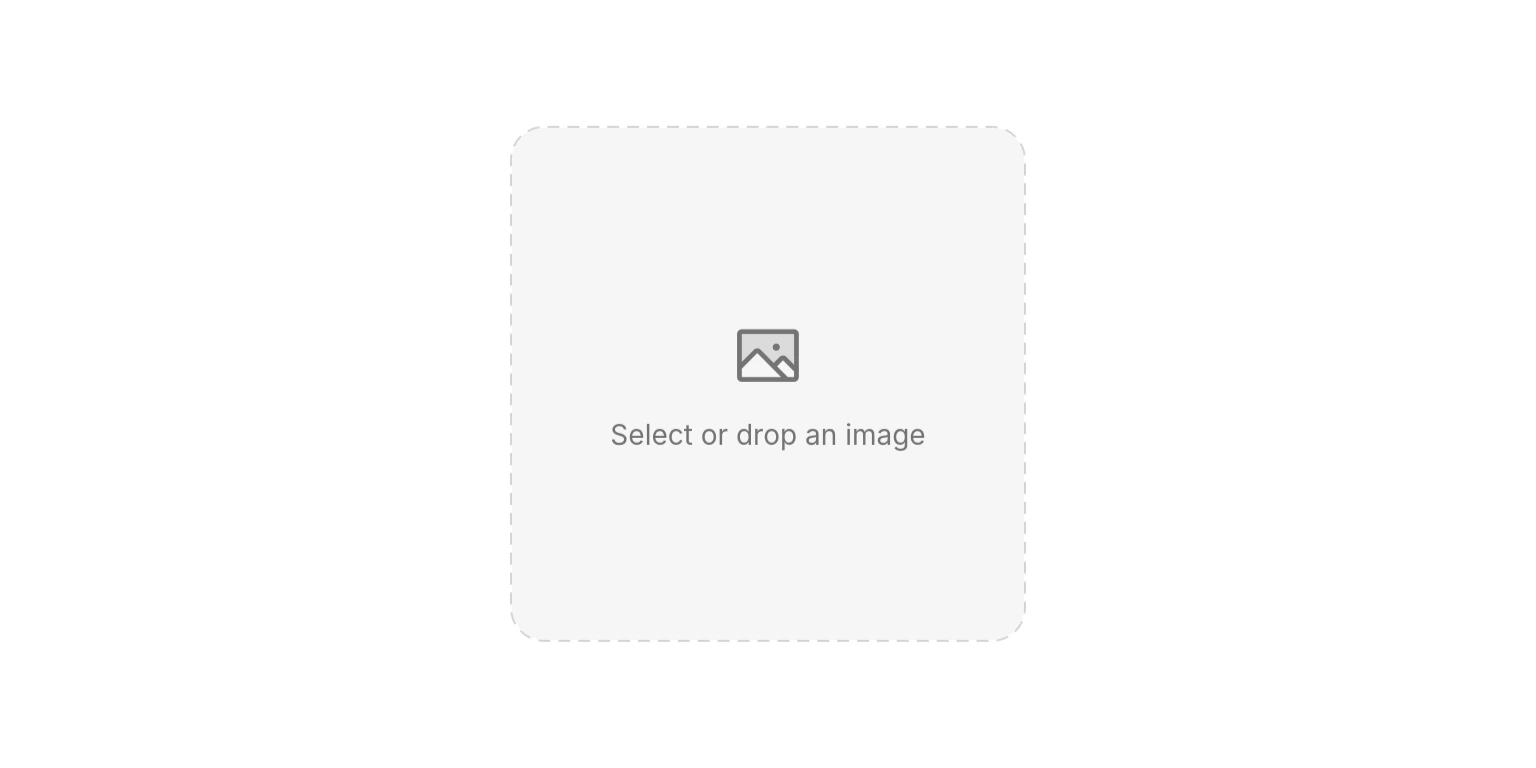
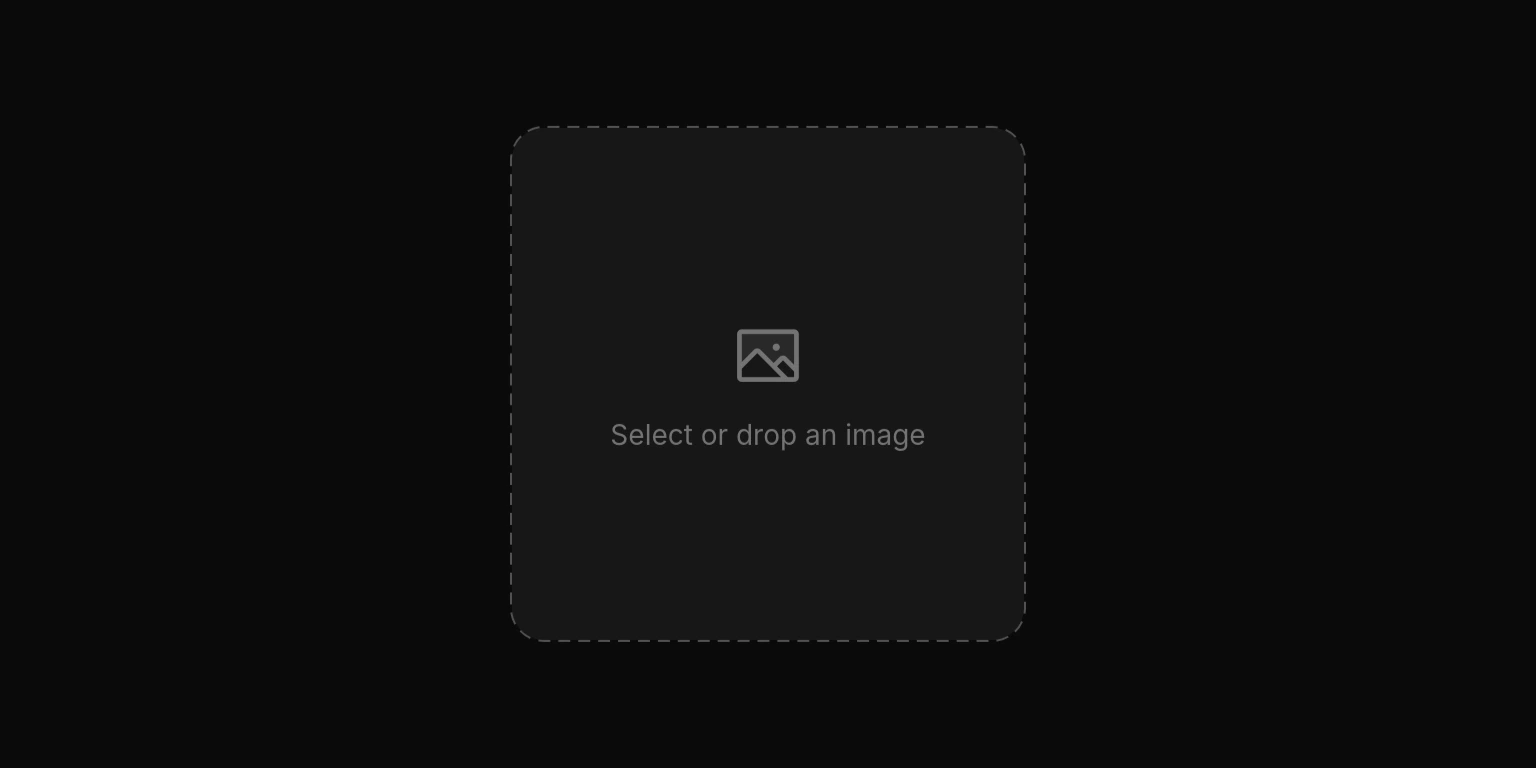
> A widget for selecting images via file picker or drag-and-drop, with built-in validation, error handling, and loading states.
## Examples
 ```dart Basic Usage lines theme={null}
NeoImagePicker(
currentImage: imageBytes,
onChanged: (bytes) {
imageBytes = bytes;
},
),
```
```dart Basic Usage lines theme={null}
NeoImagePicker(
currentImage: imageBytes,
onChanged: (bytes) {
imageBytes = bytes;
},
),
```
 ```dart With Label lines theme={null}
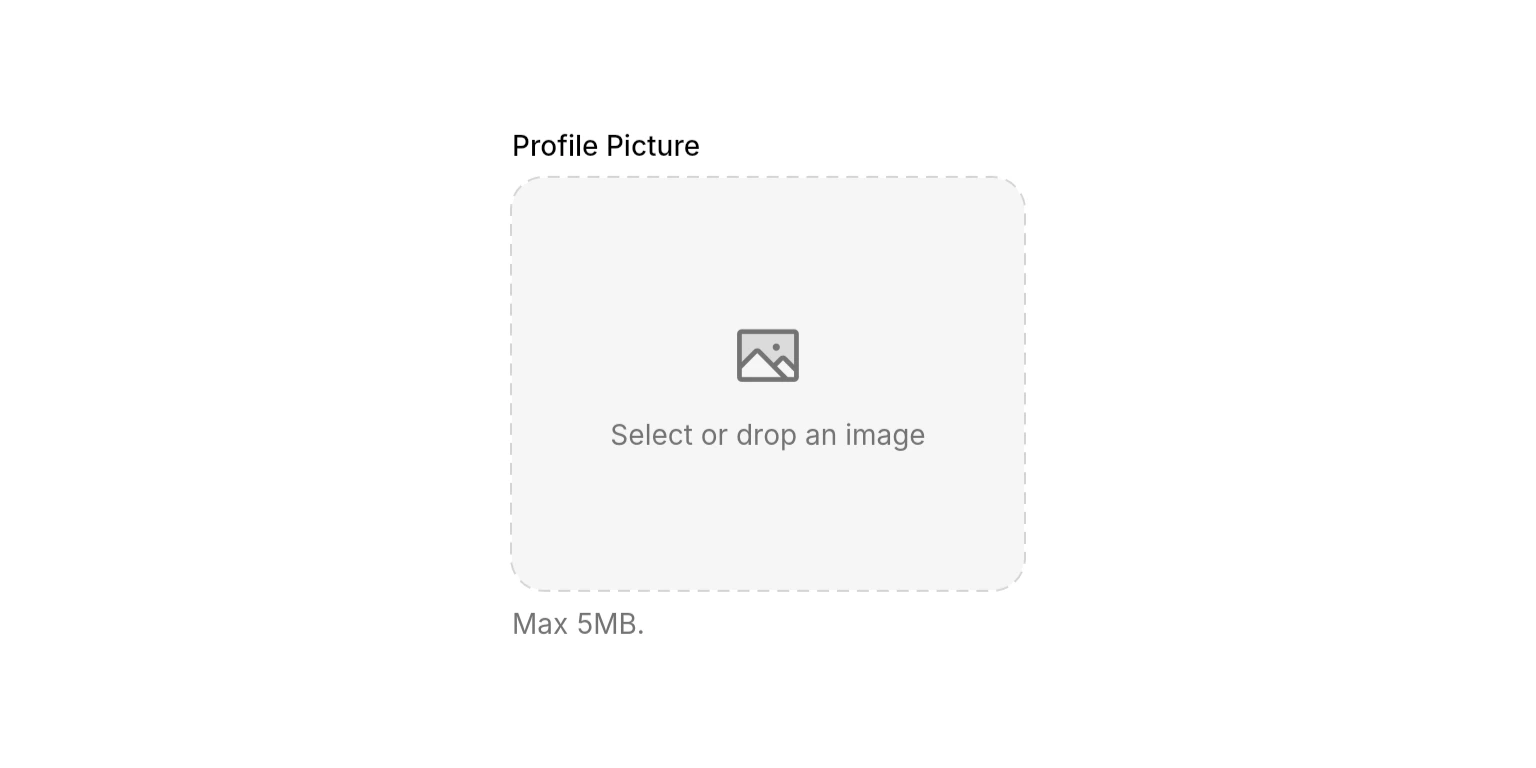
NeoImagePicker(
currentImage: imageBytes,
onChanged: (bytes) {
imageBytes = bytes;
},
label: "Profile Picture",
description: "Max 5MB.",
maxFileSize: 5 * 1024 * 1024,
),
```
```dart With Label lines theme={null}
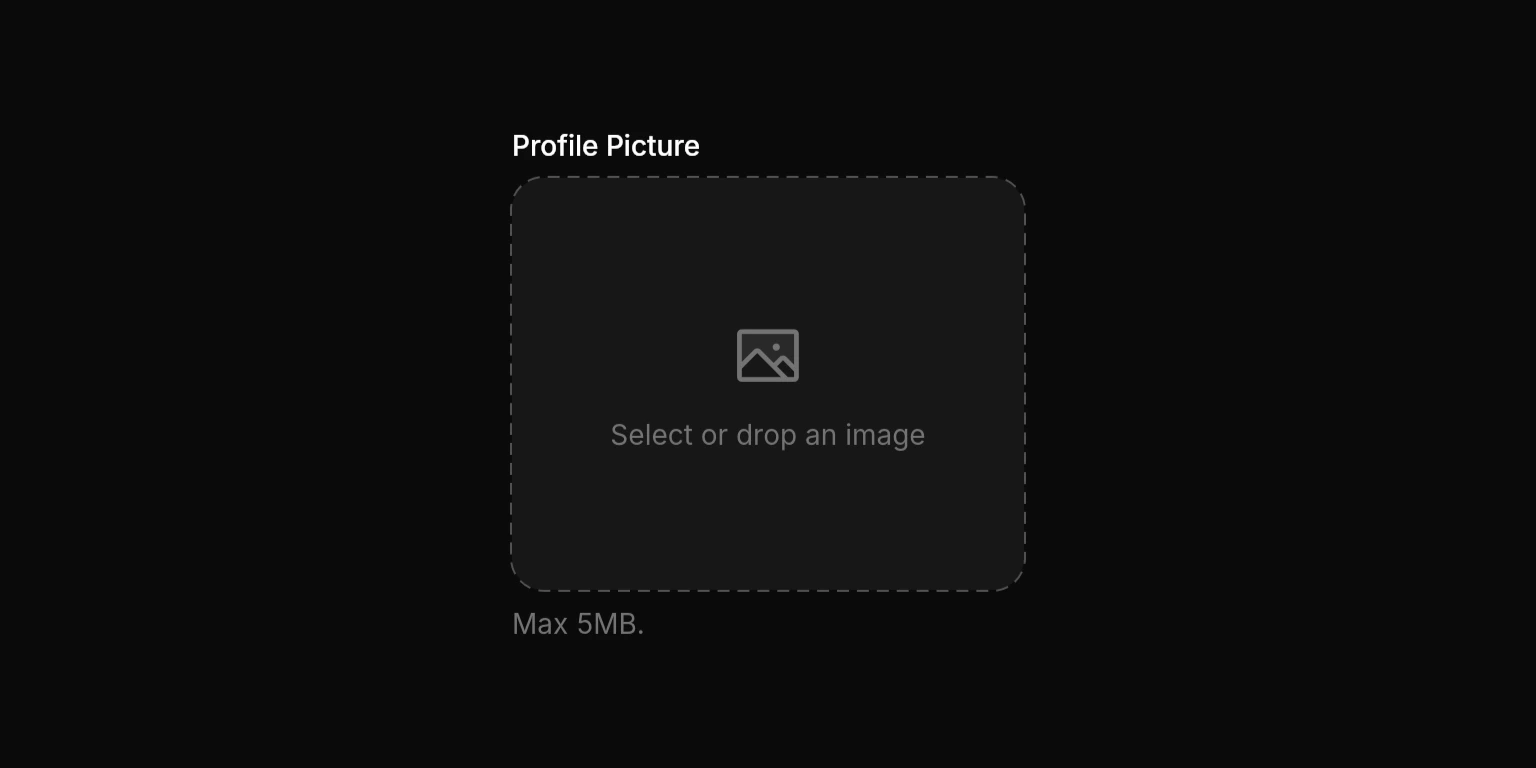
NeoImagePicker(
currentImage: imageBytes,
onChanged: (bytes) {
imageBytes = bytes;
},
label: "Profile Picture",
description: "Max 5MB.",
maxFileSize: 5 * 1024 * 1024,
),
```
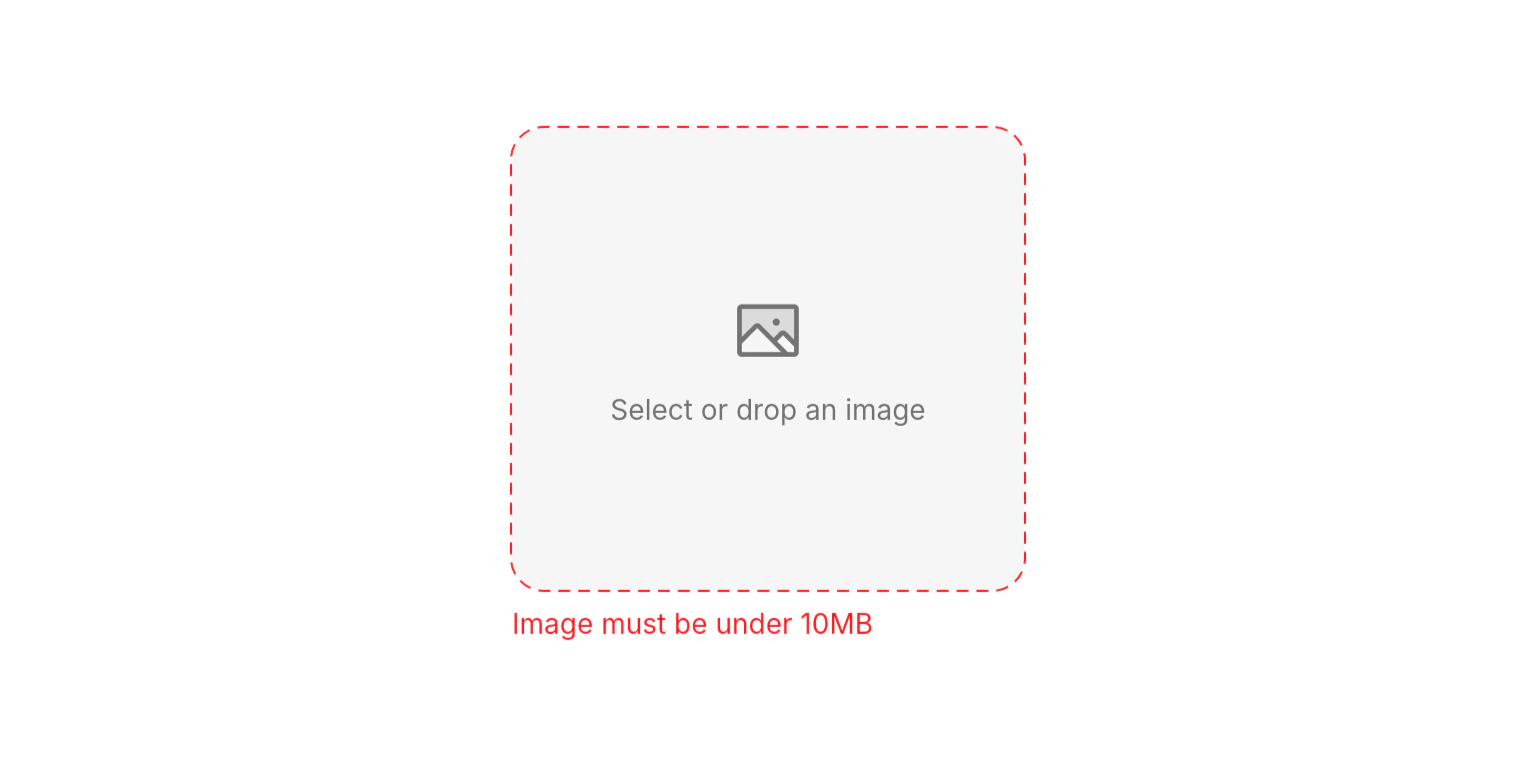
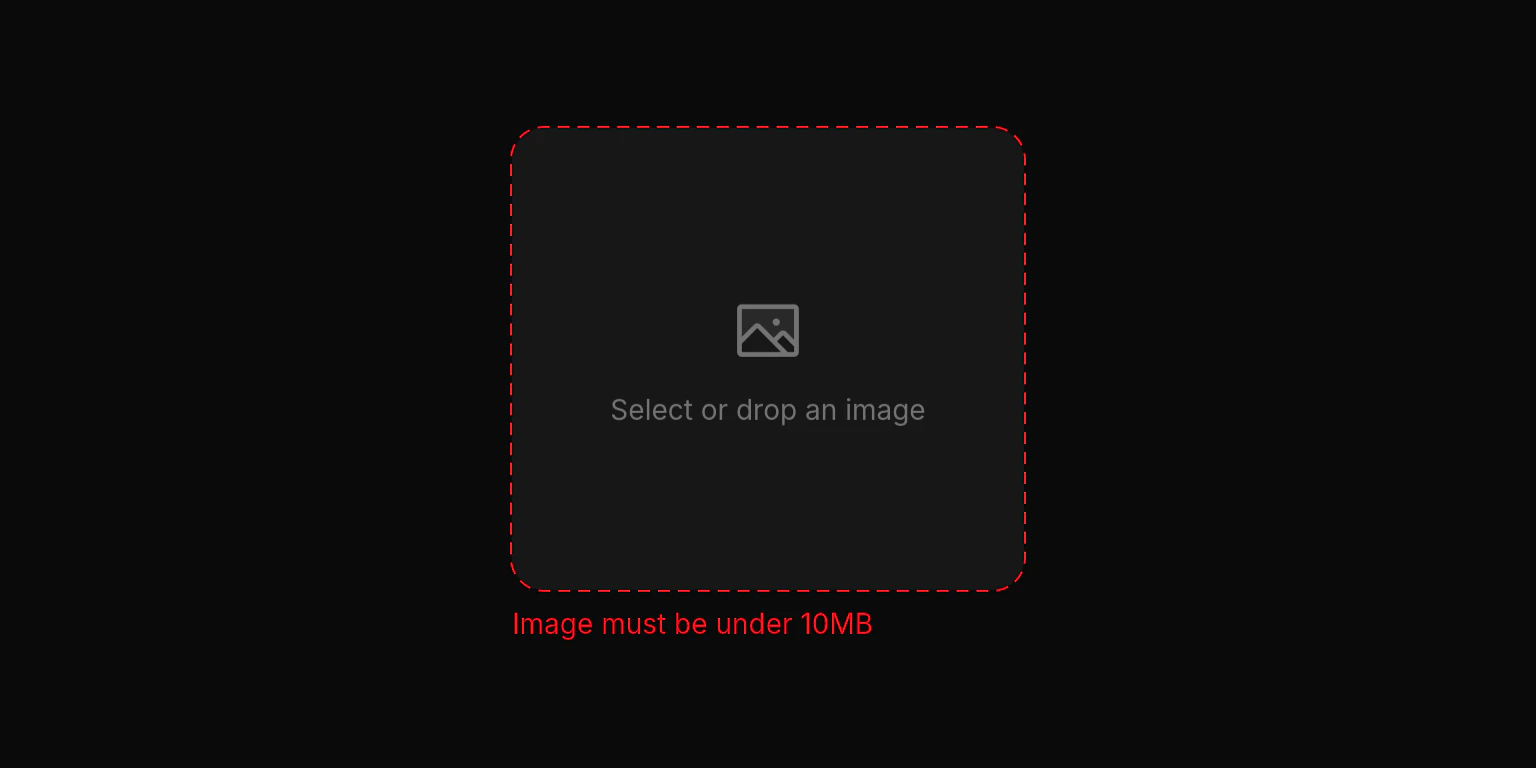 ```dart Custom Errors lines theme={null}
NeoImagePicker(
currentImage: imageBytes,
onChanged: (bytes) {
imageBytes = bytes;
},
onError: (error) => switch (error) {
.fileTooLarge => "Image must be under 10MB",
_ => null, // Falls back to default message
},
),
```
## Properties
### Required
Called when an image is selected, dropped, or cleared. Receives the raw image bytes, or `null` when the image is removed.
### Content
The currently displayed image as raw bytes. When provided, the image is rendered inside the picker with a swap overlay on hover and an optional clear button.
A label displayed above the picker area.
Helper text displayed below the picker area.
External error text displayed below the picker. Overrides any internal error messages.
Custom placeholder text shown when no image is selected.
Custom error message resolver. Return a string to override the default message for a specific error, or `null` to use the default.
### Layout
Maximum allowed file size in bytes. Files exceeding this limit trigger a `fileTooLarge` error.
Whether to show a clear button in the top-right corner when an image is displayed.
### State
Controls whether the picker responds to taps and drag-and-drop. Disabled pickers show reduced opacity and a forbidden cursor.
## Enums
### NeoImagePickerError
Error types that can occur during image selection or processing.
* `fileTooLarge`: The selected file exceeds `maxFileSize`.
* `unsupportedFormat`: The dropped file is not a supported image format.
* `pickFailed`: The file picker failed to open or return a result.
* `readFailed`: The file could not be read from disk.
* `dropFailed`: The drag-and-drop operation failed.
* `renderFailed`: The image bytes could not be rendered (invalid format).
* `unknown`: An unexpected error occurred.
## Best Practices
* **Set a reasonable `maxFileSize`**: The default 100MB limit is generous. For profile pictures or thumbnails, set a lower limit (e.g., `5 * 1024 * 1024` for 5MB) or compress on the server side.
* **Provide custom error messages with `onError`**: Tailor error messages to your use case or language for a better user experience.
* **Constrain the height**: When used inside unbounded layouts, the picker defaults to 240px height. Wrap in a `SizedBox` or use within bounded constraints for custom sizing.
## Integration Notes
* **Supported formats**: PNG, JPEG, GIF, WebP, HEIC, HEIF, BMP, and TIFF.
* **Loading state**: The picker automatically shows a loading overlay while processing files or drag-and-drop operations.
* **Image display**: Selected images are displayed with `BoxFit.contain`. On hover, a swap icon overlay appears to indicate the image can be replaced.
```dart Custom Errors lines theme={null}
NeoImagePicker(
currentImage: imageBytes,
onChanged: (bytes) {
imageBytes = bytes;
},
onError: (error) => switch (error) {
.fileTooLarge => "Image must be under 10MB",
_ => null, // Falls back to default message
},
),
```
## Properties
### Required
Called when an image is selected, dropped, or cleared. Receives the raw image bytes, or `null` when the image is removed.
### Content
The currently displayed image as raw bytes. When provided, the image is rendered inside the picker with a swap overlay on hover and an optional clear button.
A label displayed above the picker area.
Helper text displayed below the picker area.
External error text displayed below the picker. Overrides any internal error messages.
Custom placeholder text shown when no image is selected.
Custom error message resolver. Return a string to override the default message for a specific error, or `null` to use the default.
### Layout
Maximum allowed file size in bytes. Files exceeding this limit trigger a `fileTooLarge` error.
Whether to show a clear button in the top-right corner when an image is displayed.
### State
Controls whether the picker responds to taps and drag-and-drop. Disabled pickers show reduced opacity and a forbidden cursor.
## Enums
### NeoImagePickerError
Error types that can occur during image selection or processing.
* `fileTooLarge`: The selected file exceeds `maxFileSize`.
* `unsupportedFormat`: The dropped file is not a supported image format.
* `pickFailed`: The file picker failed to open or return a result.
* `readFailed`: The file could not be read from disk.
* `dropFailed`: The drag-and-drop operation failed.
* `renderFailed`: The image bytes could not be rendered (invalid format).
* `unknown`: An unexpected error occurred.
## Best Practices
* **Set a reasonable `maxFileSize`**: The default 100MB limit is generous. For profile pictures or thumbnails, set a lower limit (e.g., `5 * 1024 * 1024` for 5MB) or compress on the server side.
* **Provide custom error messages with `onError`**: Tailor error messages to your use case or language for a better user experience.
* **Constrain the height**: When used inside unbounded layouts, the picker defaults to 240px height. Wrap in a `SizedBox` or use within bounded constraints for custom sizing.
## Integration Notes
* **Supported formats**: PNG, JPEG, GIF, WebP, HEIC, HEIF, BMP, and TIFF.
* **Loading state**: The picker automatically shows a loading overlay while processing files or drag-and-drop operations.
* **Image display**: Selected images are displayed with `BoxFit.contain`. On hover, a swap icon overlay appears to indicate the image can be replaced.